 StreamX
Let your music move.
A music player for Android that plays from YouTube Music, JioSaavn, your own servers and plugins, trying each source in the order you choose.
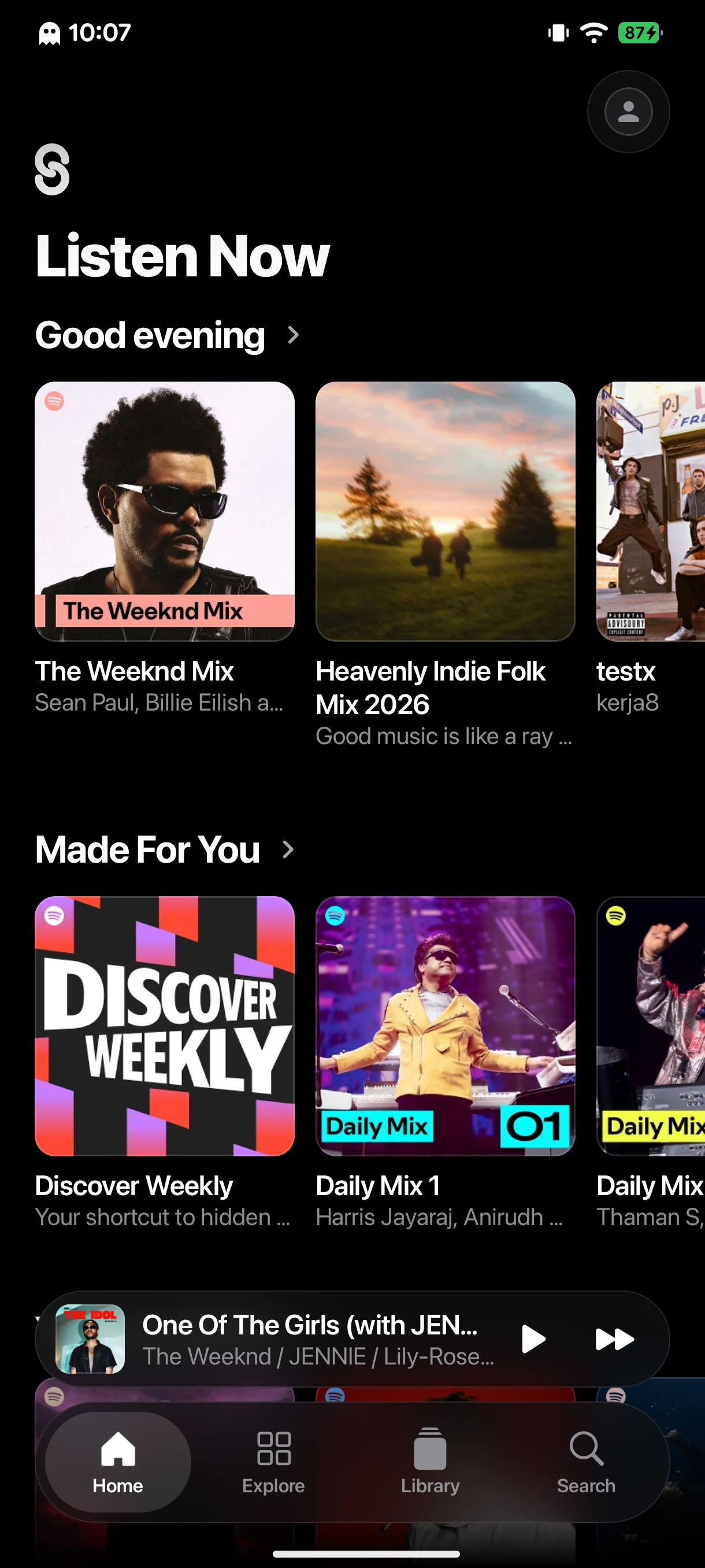
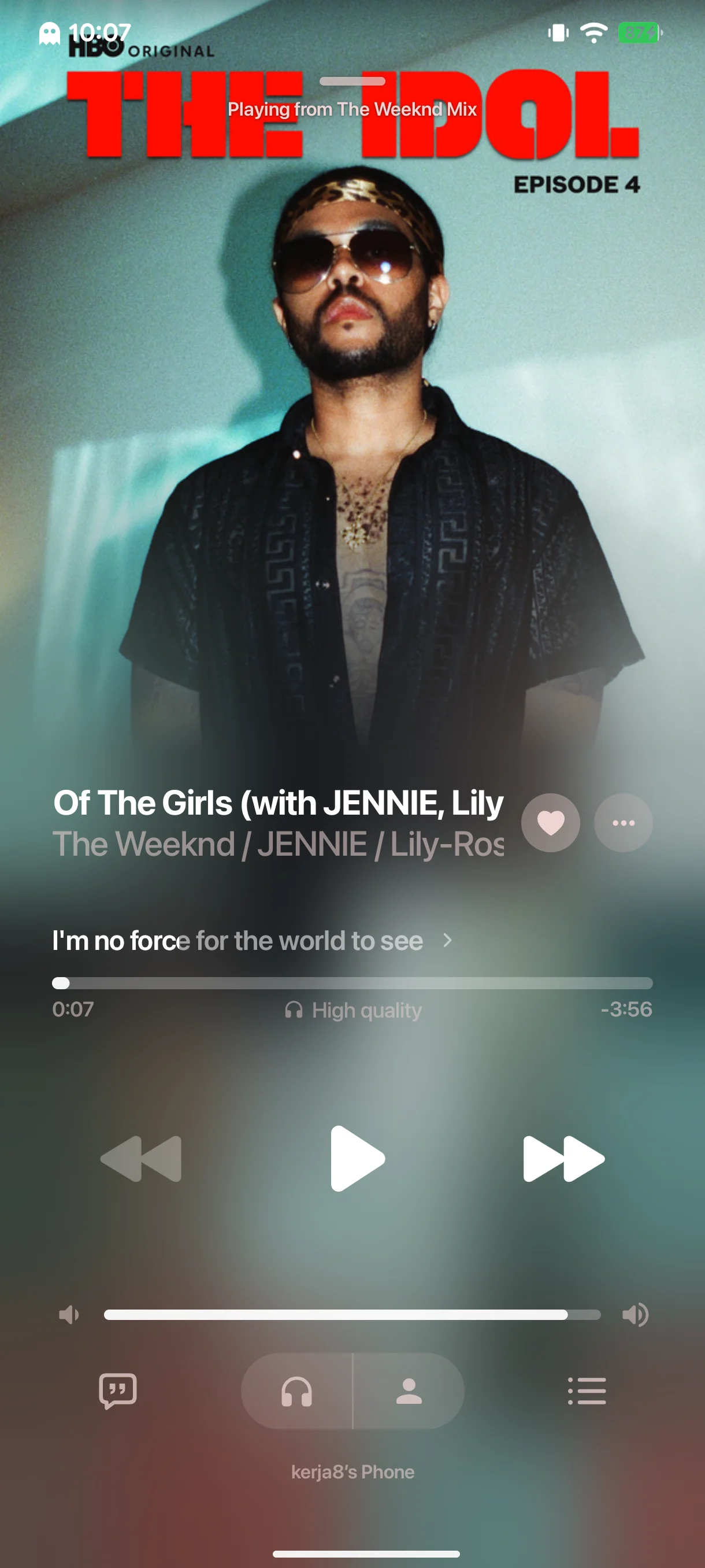
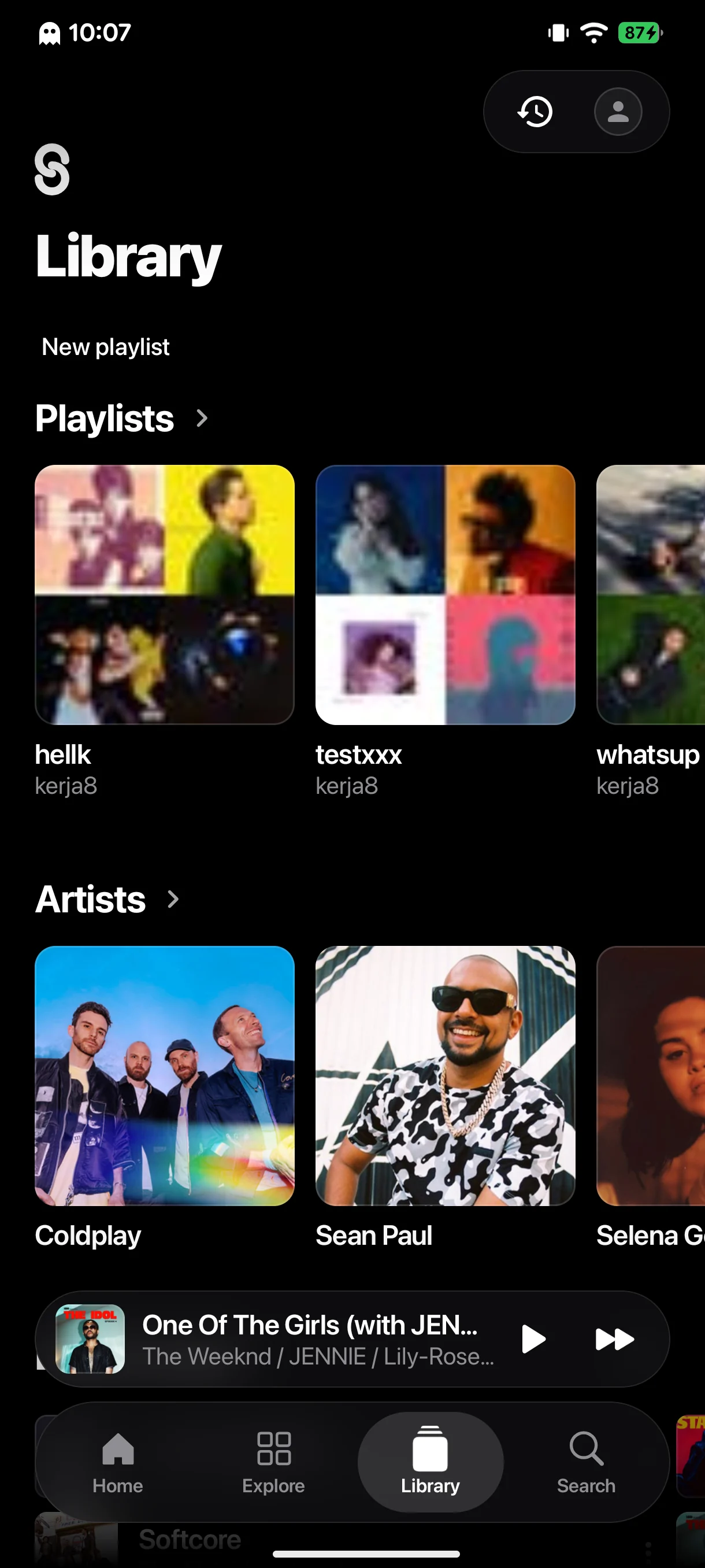
One app, many looks.
Pick a skin to see its home, player and library.
Plugins and skins.
Add this link in StreamX under Settings → Sources to install and update them in the app, or download the APKs here.
Plugins
See plugin releases ↗ for available APKs.
Skins
See skin releases ↗ for all skins.
Automix.
An engine and audio analysis models that line up beats and vocals for smoother transitions. Turn on Automix in Settings and StreamX offers the download.
Automix packagesAutomix package
Engine + beat and vocal models
Packages for ARM64, ARMv7 and x86_64 are on the release page.
Downloaded separately from the APK and verified by the app before installing.
Three steps.
- 1
Download the APK
The main download is for ARM64. Other architectures are on the release page.
- 2
Open it
If Android asks, allow your browser or file manager to install apps.
- 3
Add plugins and skins
In StreamX, go to Settings → Sources and add the repository link above.